

Service

UI/UX Design

Research-driven product design that turns complex domains into intuitive experiences.

Best for
Products with complex workflows or weak adoption
Format
Standalone design project or designers in your product team
You receive
Research findings, tested prototypes and a design system
What you are buying

Research-driven, accessible interfaces.

We research how people really work, then design clear, accessible interfaces your engineers can build without guesswork.

We design products that people actually use. Our process starts with research — buyer personas, user journey mapping, and competitive analysis — and lands in clean, accessible interfaces with motion that supports comprehension instead of distracting from it.

Designers and engineers work in the same room (or the same Figma file). Designs are not handed over a wall — they are co-authored with the team that will build them.

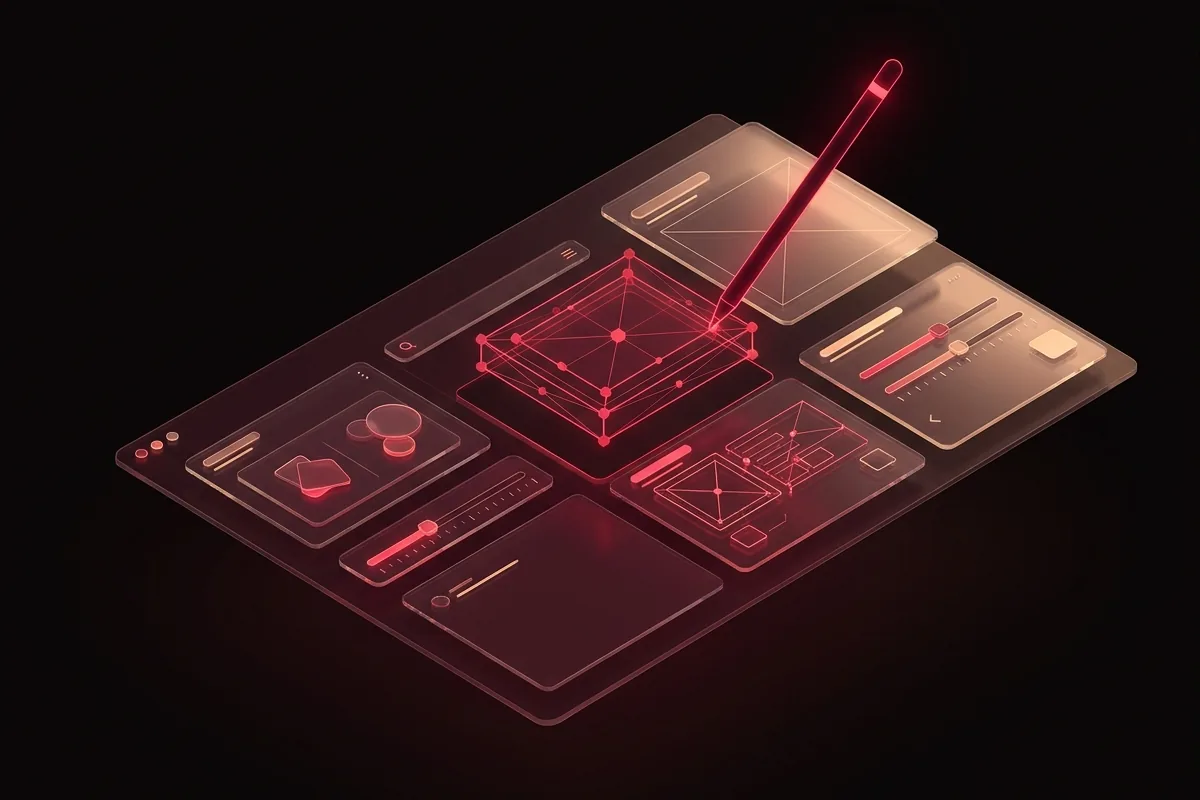
Translucent interface panels assembling into one polished application layout

Design as a learning loop

Evidence from real users shapes each iteration.

User evidence
01 Research Needs and friction
02 Design Flows and interface
03 Prototype Clickable journeys
04 Test Usability sessions
Is this for you

Signs you need this

  • Users need training or support to complete basic tasks.
  • Sign-up, checkout or onboarding loses people at the same step.
  • Your product looks and behaves differently from screen to screen.
  • Engineers are making design decisions because specifications are missing.
What’s covered

Scope of the engagement

  • 01 Product discovery & user research
  • 02 Information architecture
  • 03 Interaction & visual design
  • 04 Design systems & component libraries
  • 05 Prototyping & usability testing
What you get

Tangible deliverables

  • 01

    User research

    Personas, journeys and evidence of real friction.

  • 02

    Information architecture

    A structure that matches how users think.

  • 03

    Interactive prototypes

    Clickable flows tested before development.

  • 04

    Design system

    Reusable components, tokens and accessibility rules.

  • Clickable prototypes
  • Production-ready design system
  • Accessibility (WCAG) baseline
  • Brand-correct UI direction
How it runs

From first call to result

  1. Step 1

    Research

    Learn from users, data and competitors.

  2. Step 2

    Structure

    Define flows, navigation and content hierarchy.

  3. Step 3

    Prototype

    Make the experience testable.

  4. Step 4

    Validate

    Run usability tests and refine.

  5. Step 5

    Deliver

    Build the system with engineering.

In practice

Problems this service solves

Digital onboarding that keeps compliance intact

The challenge

Long forms and repeated document requests make applicants drop out, while loosening the checks is not an option for a regulated business.

How we solve it

  • Step-by-step mobile flow with saved progress
  • Automated identity and sanctions screening
  • Risk-based routing to manual compliance review

What your business gets

  • A shorter path for low-risk applicants
  • Compliance staff focused on higher-risk cases
  • A complete record of each onboarding decision

Moving off a legacy LMS

The challenge

An outdated LMS frustrates teachers and learners, but years of courses, grades and records make leaving it feel impossible.

How we solve it

  • Audit and staged migration of content and records
  • Modern authoring tools for teaching staff
  • Mobile-friendly learner experience

What your business gets

  • Academic history carried across safely
  • Course creation without technical help
  • A learning experience that works on any device

Service booking customers actually use

The challenge

Booking a service still means a phone call, workshops have uneven capacity, and customers get little visibility once the car is dropped off.

How we solve it

  • Mobile booking linked to workshop capacity
  • Status updates and digital approval of extra work
  • Service history and reminders for each vehicle

What your business gets

  • Easier booking for vehicle owners
  • Better use of workshop capacity
  • More transparent communication on repairs
Tools & standards

What we work with

  • Figma
  • FigJam
  • Maze
  • Hotjar
  • Storybook
  • Design tokens
  • WCAG
  • Lottie
Questions

Before you decide

  • Do you redesign existing products?

    Yes. We start with a UX audit, so changes target real problems rather than appearance alone.

  • Will the designs be practical to build?

    Yes. Engineers review the work during design, and components map directly to code.

  • Do you design for accessibility?

    Yes. WCAG is our baseline for contrast, keyboard use, structure and screen-reader support.

Related

Often paired with

Next step

Ready to start with ui/ux design?

A 30-minute discovery call is enough to scope a meaningful first phase.

We use cookies to improve your experience and analyse site usage. Cookie Policy